
Bridge Building Competition
By the end of the semester, everyone will be able to design and fabricate a custom wooden truss bridge, then we load them until they break.
Learn engineering by building
The bridge competition is our main program each fall. Over about eight weekly sessions in the Makerspace, teams of three or four learn the theory and the tools behind real structural design, starting with no experience at all.
Along the way you'll pick up skills every engineer uses: CAD, laser cutting, woodworking, and the basics of stress and strain. By the time you're done, you're most of the way to being certified on the Makerspace laser cutter.
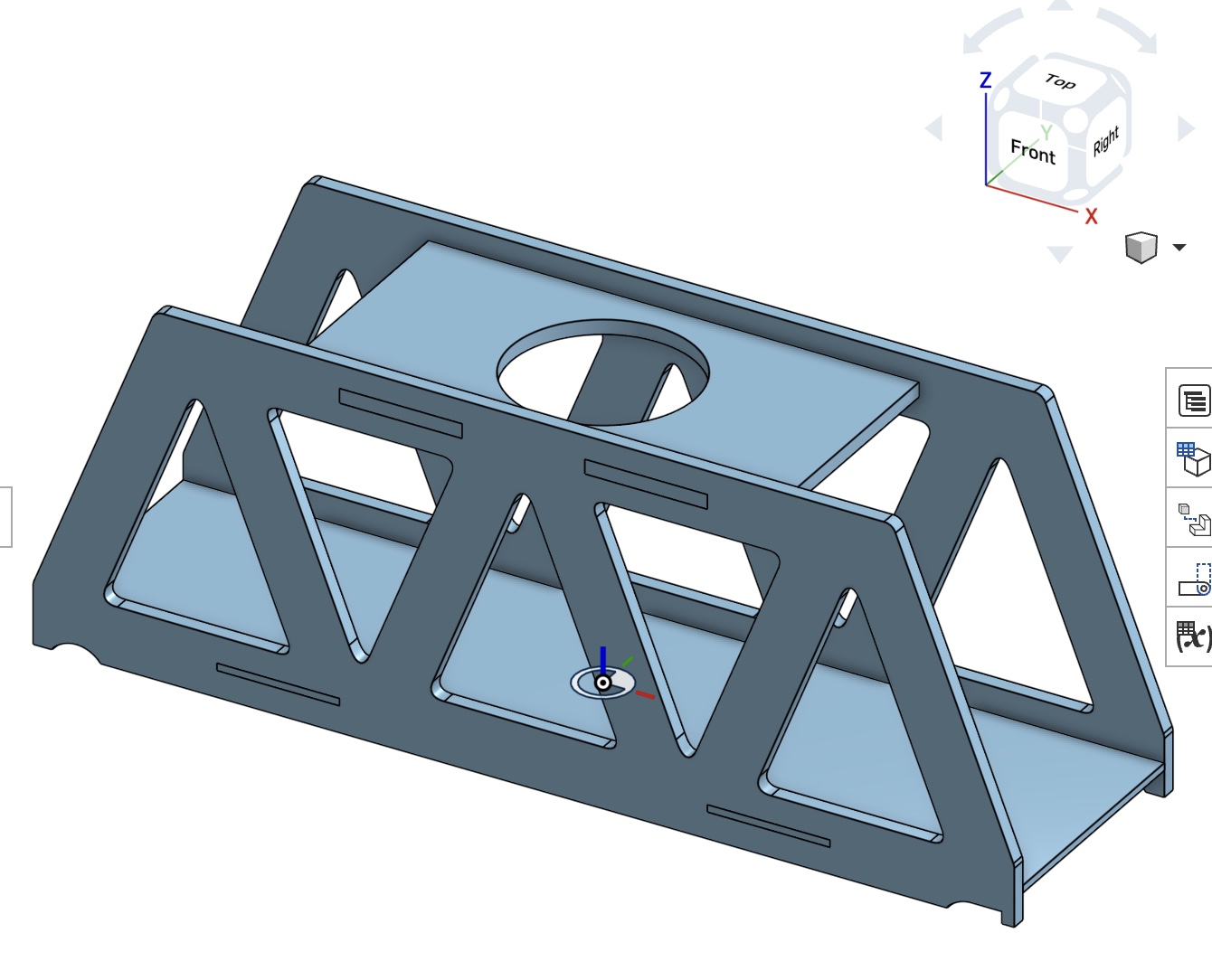
Three skills, one bridge
CAD in Onshape
Design your bridge in Onshape, a free, browser-based CAD tool. Learn sketches, constraints, parts and assemblies, and turn your design into files ready to cut.
Laser cutting
Learn how the laser cutter works, how to run it safely, and how to prepare files in Adobe Illustrator. Your first cut is a keychain; your last is a bridge.
Stress and strain
An intro to solid mechanics: stress and strain, tension and compression, tolerances, and why trusses like the Warren, Pratt and Howe carry load so well.
The starter bridge
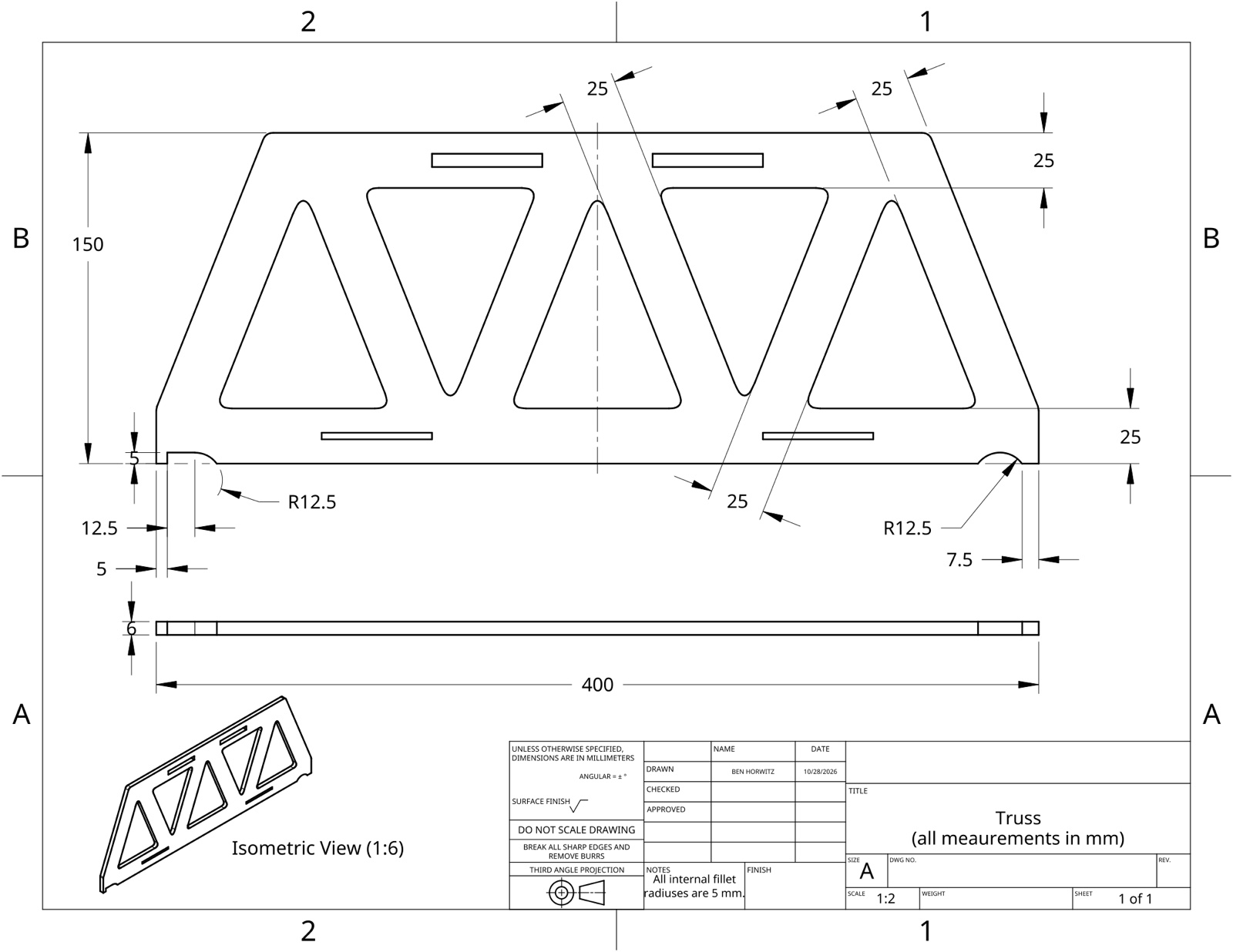
Every team begins from the same starter design, modeled together in Onshape: a 400 mm long, 150 mm tall Warren-style side truss cut from 6 mm plywood, with slots that lock it to a standard deck and crossmembers.
Along the way you learn to read and make a real engineering drawing, with dimensions, fillets, tolerances and multiple views, just like the one here.
Once the starter is done, each team redesigns the side trusses to carry as much load as possible.
It starts with a keychain
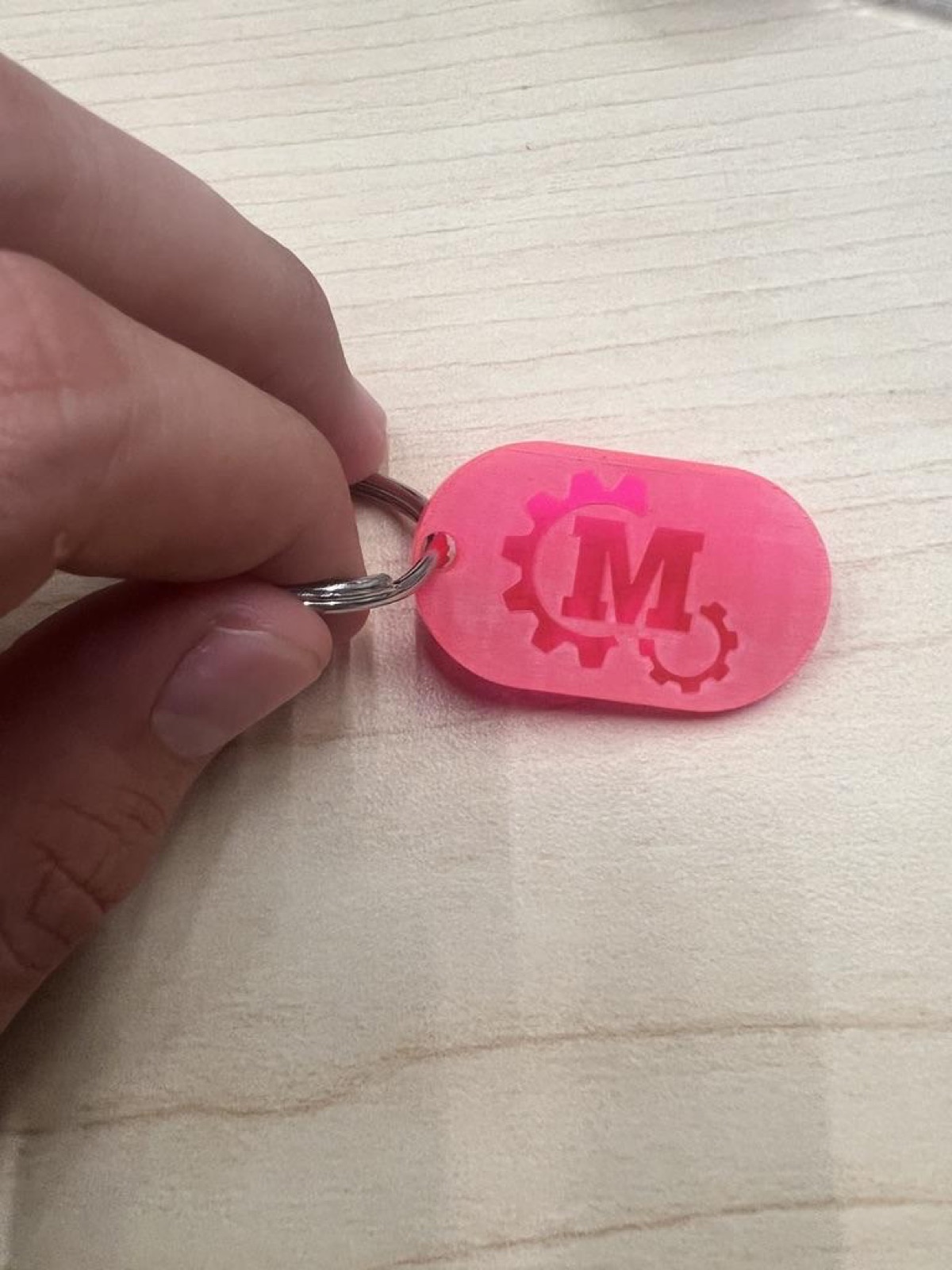
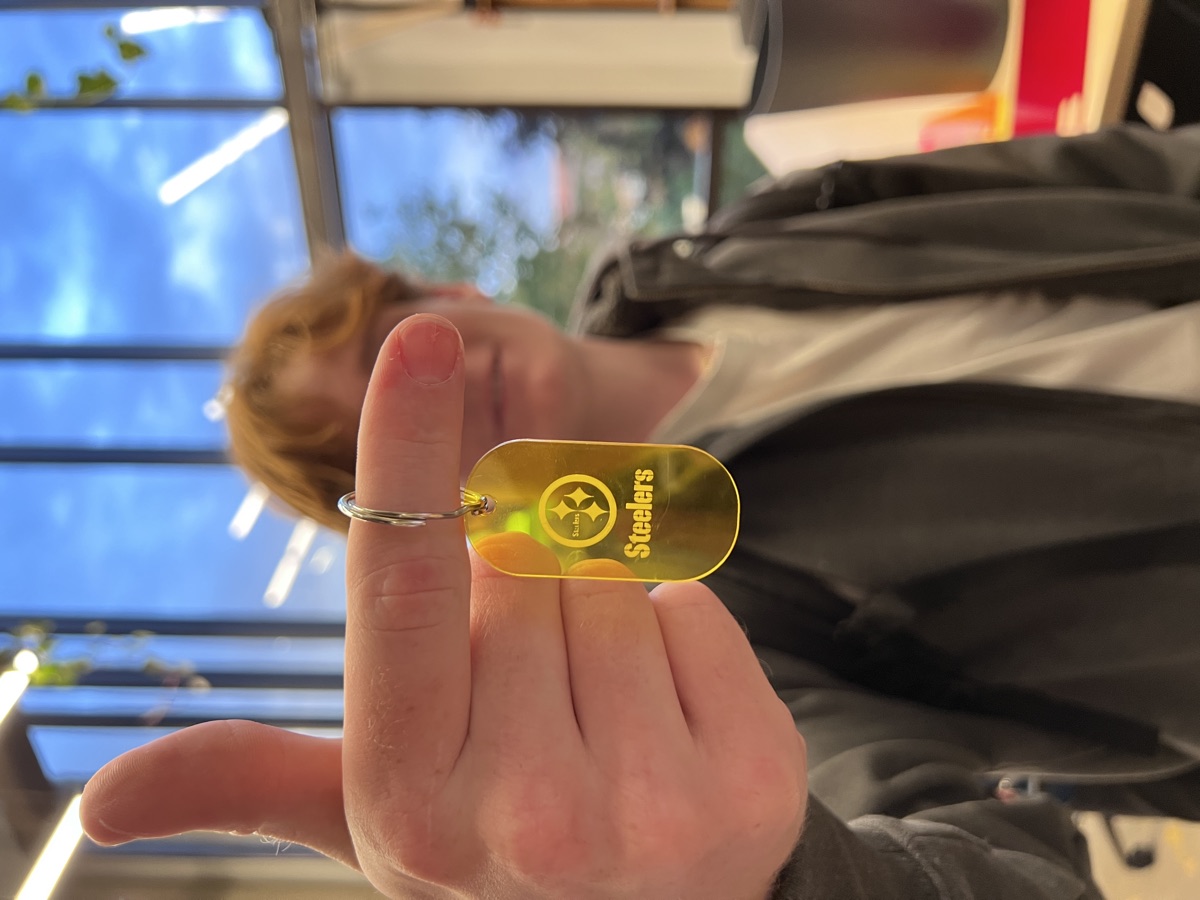
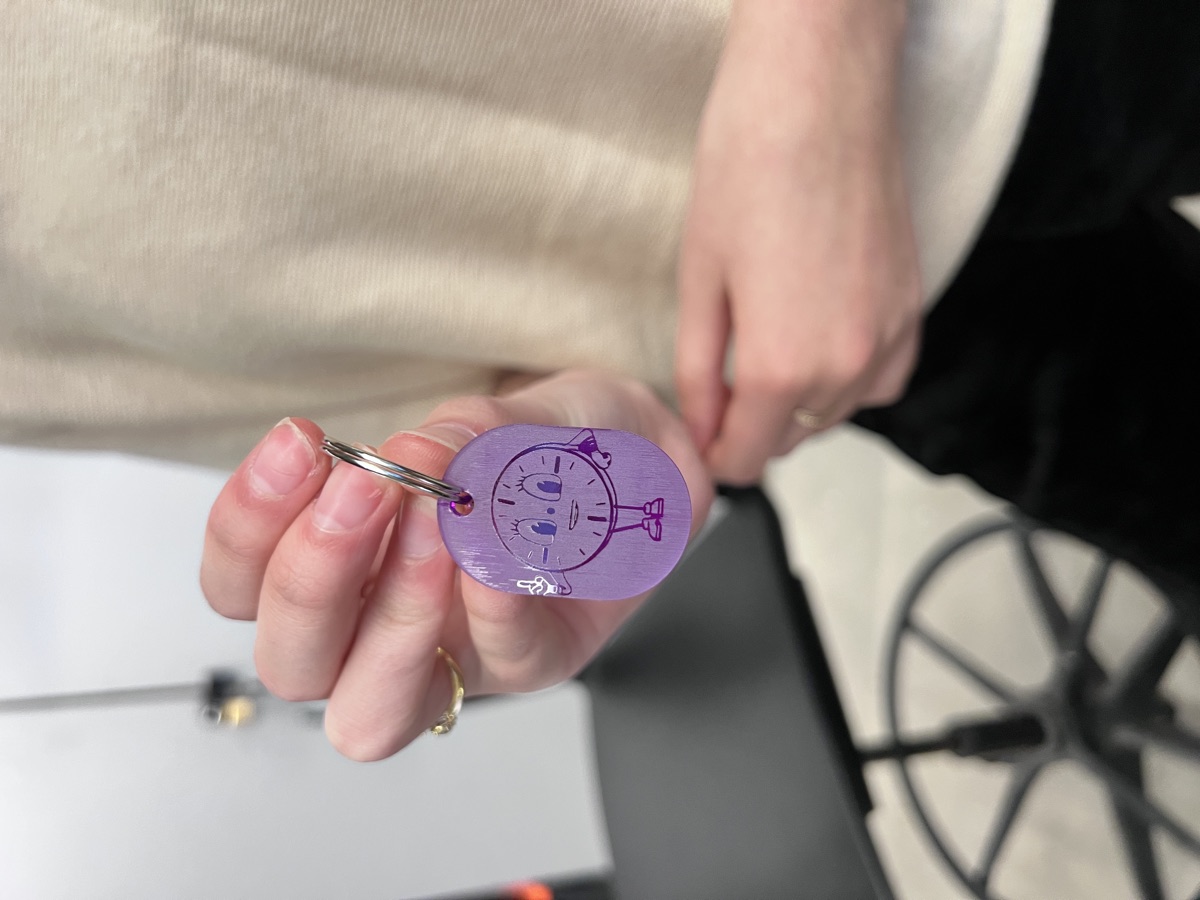
Before cutting a bridge, everyone designs their own keychain in Adobe Illustrator and cuts and engraves it on the laser. It's a quick win that teaches file setup, cut versus engrave, and safety, and it covers most of the Makerspace laser-cutter training.
Everyone makes something different, from the MES logo to sports teams and cartoon characters.
Want in on the next competition?
The series kicks off at our first meeting each fall. Dates are announced in our GroupMe. Reach out if you'd like to compete or help as a TA.